
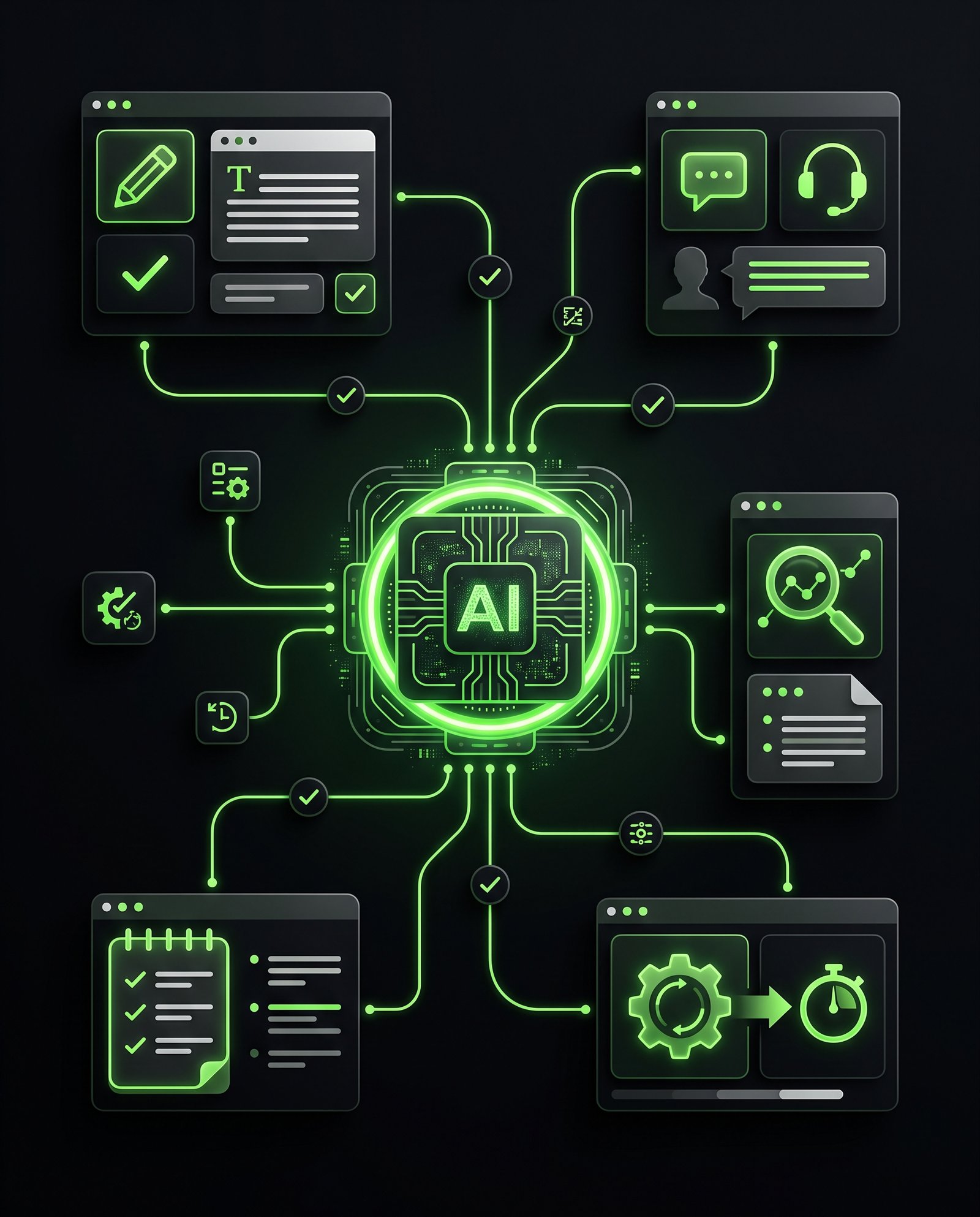
Running a small business means doing a lot with limited time.
You may be handling customer messages, writing emails, creating content, preparing documents, researching information, managing leads, and still trying to focus on the actual business.
AI can help with some of that work.
But the goal should not be to use AI simply because it is popular.
The better question is:
Can this tool remove repetitive work or help me complete an existing task faster?
In this guide, we will look at five types of AI tools that can provide practical value for small businesses without requiring a complicated AI setup.
Quick Answer: Which AI Tools Are Useful for Small Businesses?
The most useful AI tools for a small business usually help with one of these areas:
- Writing and content creation
- Customer communication
- Research and information processing
- Meeting notes and documentation
- Workflow automation
The right tool depends on what is taking the most time inside your business.
Instead of adding five new tools at once, start with one repetitive task and find an AI tool that can make that task easier.
1. AI Writing and Content Tools
Creating content can take a surprising amount of time.
A business may need website copy, social media captions, email drafts, product descriptions, blog outlines, FAQs, internal documents, and other written material.
AI writing tools can help create a first draft much faster.
For example, a small business owner could use AI to:
- Create a first draft of an email
- Turn notes into a structured article
- Create social media caption ideas
- Rewrite unclear website copy
- Generate product description drafts
- Summarize long information
- Create frequently asked questions
The important part is that AI should assist the process rather than replace your judgment.
You still need to review the output, check facts, add your business context, and make sure the final content sounds like your company.
2. AI Customer Support Tools
Customer questions can consume a significant amount of time, especially when the same questions appear repeatedly.
An AI-powered chatbot or customer support assistant can help answer common questions based on information provided by the business.
For example, an AI assistant could help answer questions about:
- Business hours
- Services
- Pricing information
- Appointment processes
- Delivery information
- Frequently asked questions
- Basic product information
- Contact and booking procedures
This does not mean every customer interaction should be handled by AI.
More complicated questions can still be transferred to a human.
The goal is to reduce the number of repetitive questions that require someone to manually type the same answer every time.
3. AI Research and Summarization Tools
Research is another task that can take hours.
Business owners often need to review articles, documents, competitor information, customer feedback, reports, or large amounts of written material before making a decision.
AI tools can help summarize information and organize it into a more usable format.
For example, you could provide a long document and ask AI to:
- Summarize the main points
- Extract important numbers
- Identify action items
- Compare information
- Create a list of questions
- Organize information by topic
This can reduce the amount of time spent manually going through large amounts of written material.
However, important business decisions should not rely on an AI summary alone.
For financial, legal, technical, or other high-stakes information, review the original source and verify important details.
4. AI Meeting and Note-Taking Tools
Meetings create another hidden time cost.
Someone has to take notes, remember decisions, identify tasks, and send follow-up information afterward.
AI meeting tools can help automate parts of this process.
Depending on the tool, AI can help:
- Transcribe meetings
- Summarize discussions
- Identify action items
- Organize meeting notes
- Create follow-up drafts
- Search previous meeting information
This is particularly useful when a business has regular sales calls, client meetings, internal meetings, or project discussions.
Instead of relying entirely on someone’s memory, the business can create a written record that can be reviewed later.
5. AI Workflow and Automation Tools
This is where AI becomes especially useful when combined with automation.
Imagine a customer fills out a form on your website.
Instead of someone manually checking the submission and performing several follow-up tasks, a workflow could potentially:
Form submission → Lead captured → Information added to CRM → Notification sent → Follow-up email prepared → Team member assigned
AI can be added to certain steps when the workflow requires understanding, classification, summarization, or content generation.
For example, AI could classify an incoming inquiry based on its content and help route it to the appropriate person.
This is different from simply asking an AI chatbot a question.
The AI becomes part of a larger business process.
What Makes an AI Tool Actually Useful?
There are thousands of AI tools available.
That does not mean you need thousands of tools.
A useful AI tool should solve a specific problem.
Before adopting one, ask:
What task am I trying to improve?
Then ask:
How often does this task happen?
And finally:
How much time does it currently take?
If a task takes five minutes once a month, automating it may not matter much.
If a task takes 30 minutes every day, the potential time savings are much more significant.
AI Tool vs AI Automation: What’s the Difference?
An AI tool helps you perform a task.
AI automation connects tasks together so that some of the work can happen automatically.
For example:
AI Tool:
You ask AI to write a customer follow-up email.
AI Automation:
A new lead enters your system → the lead is classified → relevant information is added to the CRM → a follow-up draft is created → your team receives a notification.
The second example involves a workflow.
That distinction matters because businesses often focus on individual AI tools when the bigger opportunity may be improving the entire process.
Before automating a workflow, it also helps to understand what a business system is and how processes, SOPs, and workflows fit together.
Should a Small Business Pay for Multiple AI Tools?
Not necessarily.
Buying multiple subscriptions can quickly create unnecessary costs and complexity.
Start with the process that causes the most repetitive work.
Then find out whether an existing tool can solve it.
You may discover that one platform already includes features you were planning to purchase separately.
The objective is not to collect AI tools.
The objective is to reduce unnecessary work.
How to Choose the Right AI Tool for Your Business
Use a simple process.
Step 1: Identify a Repetitive Task
Look for something your business does frequently.
Examples include answering common questions, writing reports, processing leads, creating content, or summarizing information.
Step 2: Measure the Current Process
Estimate how much time the task currently requires.
Even a rough estimate can help you understand whether automation is worthwhile.
Step 3: Define the Desired Result
Decide what you want the AI tool to produce.
Do you want a summary?
A draft?
A classification?
A notification?
A completed workflow?
Be specific.
Step 4: Test Before Building Around It
Try the tool with real-world examples before making it a permanent part of your process.
Check the quality of the output and determine where human review is still necessary.
Step 5: Document the New Process
Once you find a useful workflow, document how it works.
This prevents the process from becoming dependent on one person’s memory.
AI Should Remove Work, Not Create More Work
One common mistake is adding AI to a process without improving the process itself.
For example, if an existing workflow has seven unnecessary steps, adding AI to one of those steps does not automatically make the entire workflow efficient.
Start by asking:
Can this process be simplified?
Then ask:
Which parts should be automated?
And finally:
Where can AI help?
This approach usually creates better systems than simply adding another AI tool.
Can AI Work With Existing Business Systems?
Yes.
AI does not always need to operate separately from your existing tools.
Depending on your setup, AI can work alongside systems such as:
- CRMs
- Websites
- Forms
- Email platforms
- Customer support systems
- Project management tools
- E-commerce platforms
- Spreadsheets
- Internal databases
The exact possibilities depend on the tools and integrations available.
This is where understanding your existing business processes becomes important.
Before adding AI, understand what happens now.
Then determine where technology can remove repetitive steps.
If your business is deciding how to build or manage its website or online store, our guide to WordPress vs Shopify for a small business explains the key differences.
What Should You Automate First?
A good starting point is a task that is:
- Repetitive
- Time-consuming
- Predictable
- Rules-based
- Frequent
- Easy to measure
For example, automatically sending a confirmation after a form submission may be a simpler starting point than trying to automate an entire sales process.
Start small.
Measure the result.
Then expand.
For more practical examples of tasks that can be automated, read 7 AI tasks every small business should automate.
Frequently Asked Questions About AI Tools for Small Business
What are AI tools for small businesses?
AI tools for small businesses are software applications that use artificial intelligence to assist with tasks such as writing, research, customer communication, data processing, content creation, and workflow automation.
Can AI really save a small business time?
Yes, when it is applied to repetitive tasks that occur frequently. The actual time savings depend on the task, workflow, tool, and amount of human review required.
Should every small business use AI?
Not every business needs the same AI tools. The best starting point is identifying a repetitive process where technology can provide a measurable improvement.
Is AI the same as automation?
No. Automation generally performs predefined actions based on rules or triggers. AI can handle tasks that involve generating, summarizing, classifying, or interpreting information. AI and automation can also work together.
Can AI replace employees in a small business?
AI can automate certain tasks, but many business processes still require human judgment, communication, creativity, accountability, and decision-making. A practical approach is to identify which parts of a process technology can assist with while keeping appropriate human oversight.
How many AI tools does a small business need?
There is no fixed number. A business may benefit more from a small number of tools that solve specific problems than from managing many separate subscriptions.
How do I know which business process to automate?
Start with a process that happens frequently, takes noticeable time, follows a predictable pattern, and has a clear outcome. Measure the current process before deciding what to automate.
Final Thoughts
AI can save small businesses time, but buying an AI tool is not the same thing as improving a business process.
The biggest opportunity often comes from looking at the work your business already does every day.
Find the repetitive tasks.
Understand the process.
Simplify it.
Then use AI or automation where it makes sense.
The goal is not to make your business more complicated with technology.
The goal is to make repeated work easier to handle.
If you’re not sure where AI or automation could fit into your current processes, DevsTank can help you review the workflow, identify repetitive tasks, and determine where technology can make a practical difference.
Book a System Review with DevsTank to identify opportunities for AI and workflow automation in your business.
Permalink